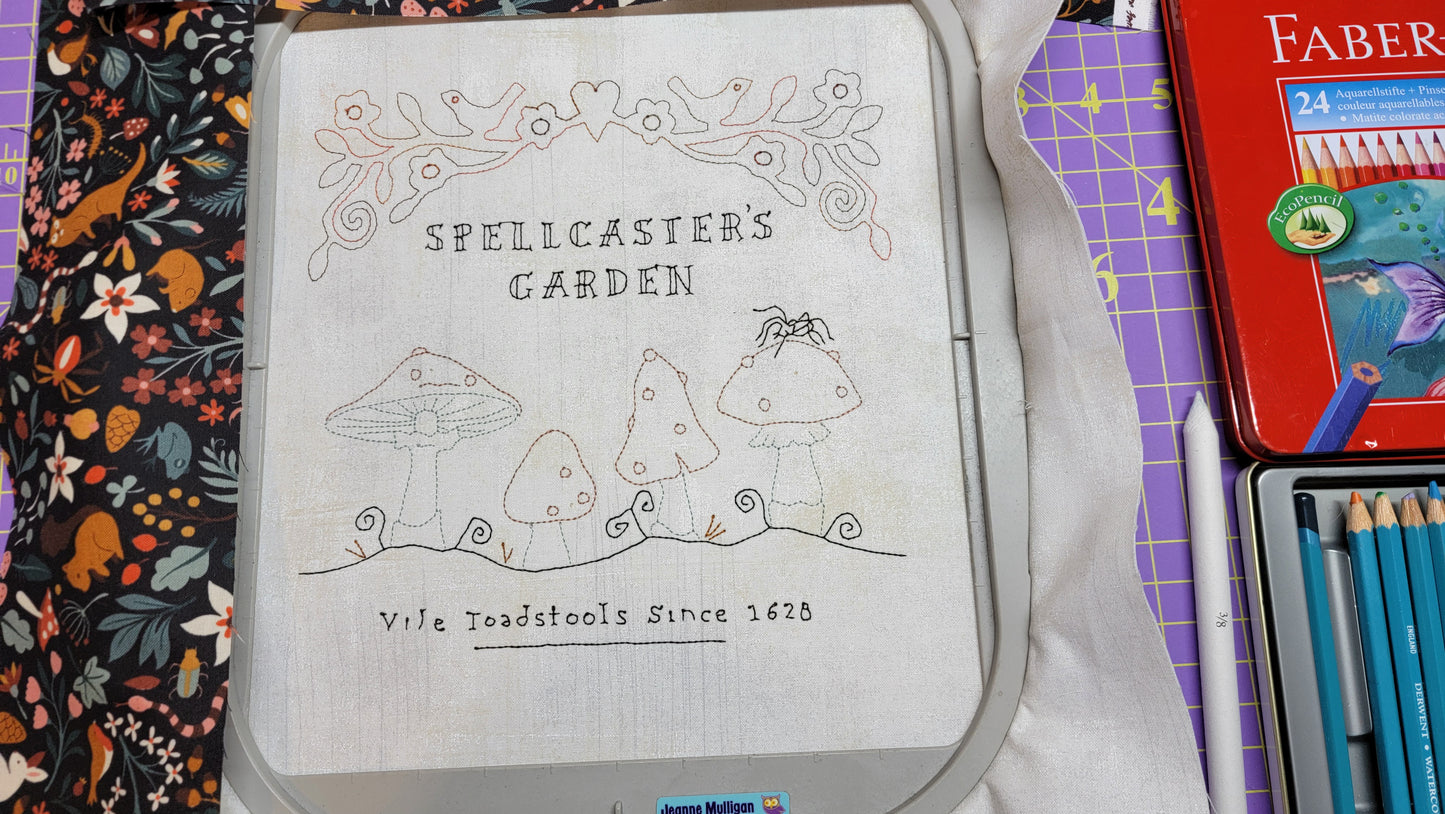
Crab Apple Hill Vile Toadstools - Creating an Embroidery Design from a Line Image in Design Center / IQ Designer Stellaire/Altair/Meridian/Dream Machine/Destiny
Crab Apple Hill Vile Toadstools - Creating an Embroidery Design from a Line Image in Design Center / IQ Designer Stellaire/Altair/Meridian/Dream Machine/Destiny
Couldn't load pickup availability
Share
Description: In this class, we’ll start with a photocopy of a design that is intended for traditional hand embroidery. Then, using your phone, we’ll take a picture of that design and we’ll send it to your machine, wirelessly using either Design Snap or IQ Positioning. You’ll be amazed at how easy it is.
If you're on a Dream Machine or Destiny, we will use your Scanning Mat as well as your USB with a JPG/PNG image on it.
After we create our design, we will stitch it out in embroidery.
The final project involves piecing and coloring. This has all been recorded and you will receive this as part of the class but will be done on your own time.
Agenda - In this class I will show you how to convert your scanned image in My Design Center / IQ Designer, into an embroidery design. We will work with the following features:
- Different ways to bring a line image into Design Center / IQ Designer
- Grayscale
- Magnification
- Resizing
- Line Properties
- Fill properties
- Eraser
- Drawing
- Modifying attributes
- Crayon coloring on fabric technique